Categories
What it does
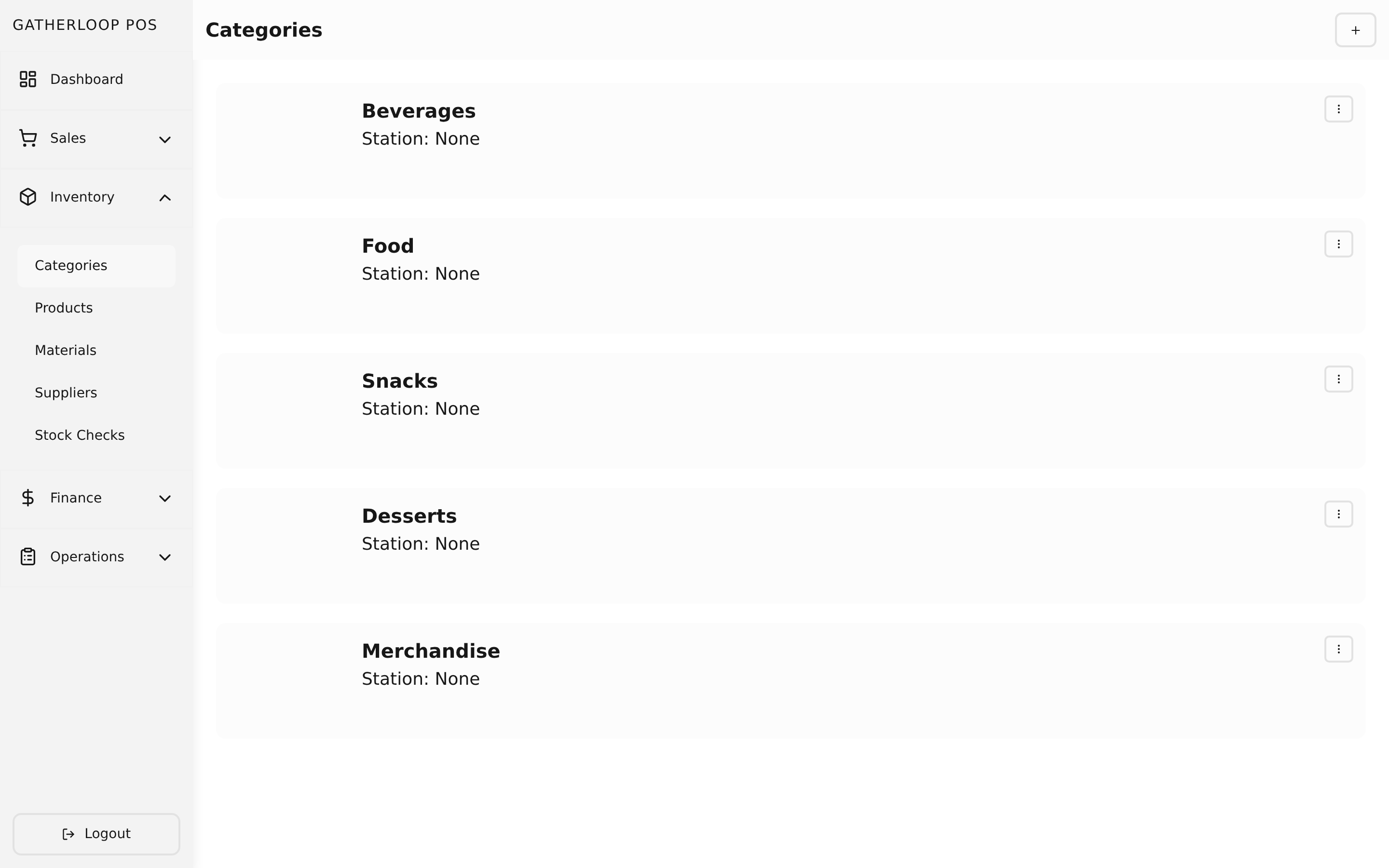
A category is the simplest building block in the catalog: a name that groups related products together — "Coffee," "Pastries," "Board Games," and so on.
Each category also carries a station: Kitchen, Bar, or None. Every product in that category inherits its station automatically — nobody sets a station per product. Staff manage categories from a plain list/create/update screen, the same pattern used across the catalog.
Why it matters
Station is what makes the Transactions order slip work without any extra setup. When a sale is rung up, the printed order slip is split into a Bar section and a Kitchen section by walking each line item back to its product's category. Tag "Espresso" as Bar and "Toastie" as Kitchen once, and every future sale of either routes itself correctly — no per-product configuration, and no risk of a new product being added to the menu without anyone remembering to route it. Categories with station None (like a board-game ticket) simply never show up on a station slip at all.
Screenshot
Key capabilities
- Name-only grouping — categories exist purely to organize the catalog and route slips; no pricing or cost lives at this level.
- Station tagging —
Kitchen,Bar, orNone, inherited by every product assigned to the category. - Live routing — station is looked up at print time, not locked in when a sale happens, so re-tagging a category corrects how it prints going forward.
- Simple CRUD — list, create, and update screens; categories are soft-deleted so historical products and transactions stay intact.
For engineers
- Screens:
libs/ui/src/presentation/screens/CategoryListScreen.tsx,CategoryCreateScreen.tsx,CategoryUpdateScreen.tsx,libs/ui/src/presentation/components/categories/CategoryFormView.tsx - Entity:
libs/ui/src/domain/entities/Category.ts - Backend:
apps/api/domain/category_entity.go,category_usecase.go - Station routing design:
docs/plans/split-order-slip-kitchen-bar.md