Product Variants
What it does
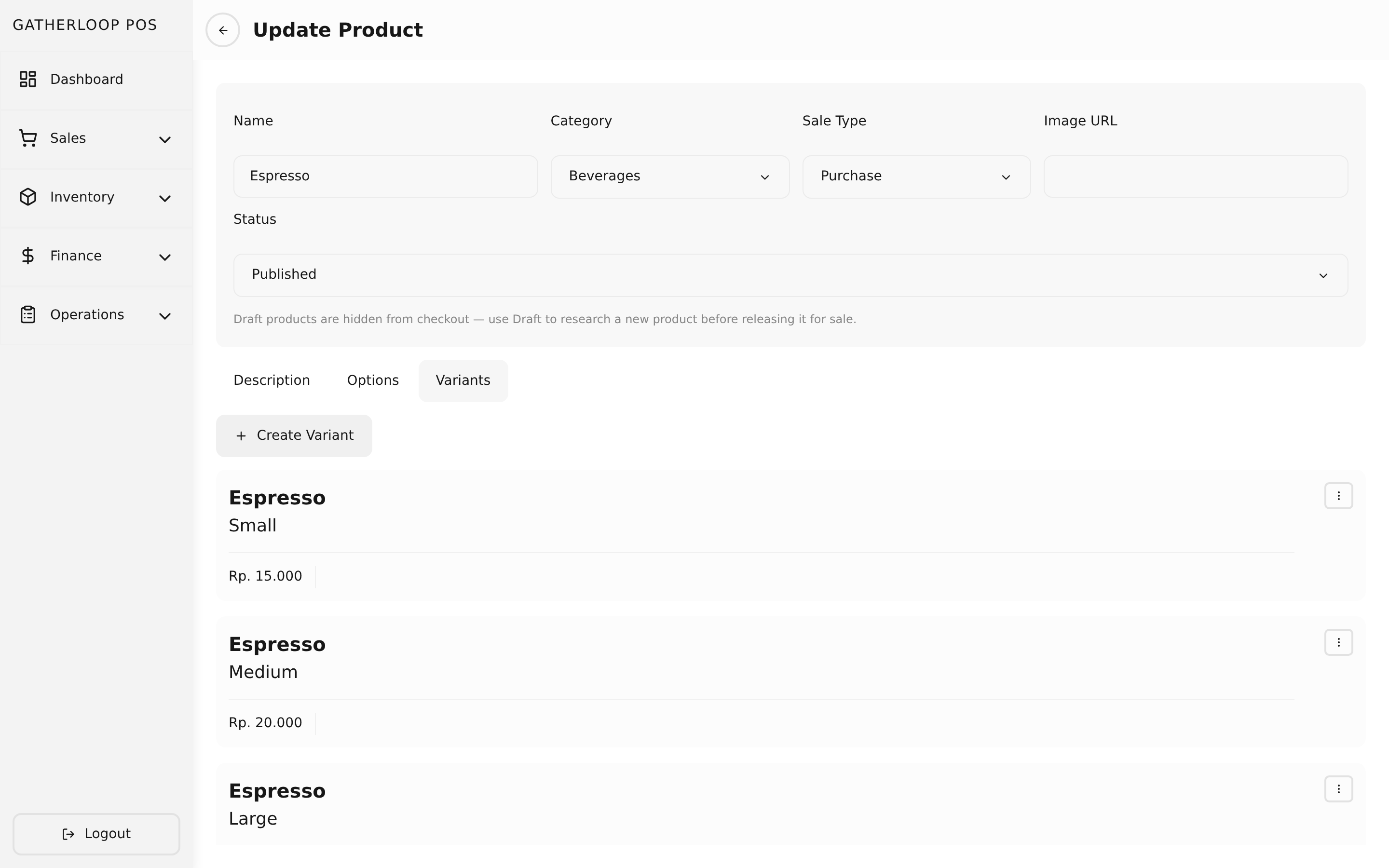
A variant is the thing that's actually sold: one concrete combination of a product's option values — "Iced Latte, Large" — with its own price and, critically, its own bill of materials: a list of materials and the quantity of each one consumed whenever this variant is sold. Staff build the bill of materials right there on the variant form, picking a material and entering an amount for each ingredient, and the screen shows the resulting food cost and food cost percentage update live as it's edited.
A variant also has its own recipe field — separate from the bill of materials above. Where the bill of materials is what gets consumed (for costing and stock), the recipe is how to make it: free-form Markdown preparation steps, edited in the variant form's "Recipe" tab. It's staff-only and is never returned by any public API response, so it never reaches the table-ordering app. The variant's plain-text description, by contrast, is what a customer does see — see Products for the full description/recipe split.
For rental products, a variant looks a little different: instead of one flat price, it carries a table of pricing tiers (price by duration) — the mechanism behind board-game rental pricing.
Why it matters
This is the bill-of-materials-to-price link that makes the catalog's numbers trustworthy instead of guessed. Every material has a known cost; a variant's bill of materials says exactly how much of each material one sale consumes; multiply and sum, and the system tells staff the true cost of making that Large Iced Latte before it's ever sold, sitting right next to the price they're about to set. A manager can see immediately whether "Large" is priced with a healthy margin or is quietly losing money on milk, without exporting anything to a spreadsheet — and that same bill of materials is what material usage and restocking are calculated from later.
Keeping the recipe (preparation steps) separate from the description matters just as much: before this split, staff wrote prep notes into the description field a customer would eventually see on their phone — the recipe field gives that text a home that's guaranteed staff-only.
Screenshot
Key capabilities
- One variant per option combination — belongs to a single product and picks exactly one value for each of that product's options.
- Bill of materials = materials + amounts — each line references a material and an amount, in that material's own costing unit (e.g. grams), so no unit conversion is needed at costing time.
- Live food cost math — Total Food Cost is the sum of
material price × amountacross every bill-of-materials line; Food Cost % is that total divided by the variant's price. Both recalculate as the list is edited, before saving. - Recipe (staff-only, Markdown) — free-text preparation steps, separate from both the bill of materials (costing) and the description (customer-facing). Edited in its own tab; never exposed publicly.
- Flat price for purchase items — a
purchase-type variant must have a price greater than zero and cannot carry pricing tiers. - Pricing tiers for rentals — a
rental-type variant instead defines one or more tiers (duration → price) with strictly increasing durations; its own flat price is always zero. See Board-game Rentals for how a single tier becomes a flat "All Day" rate and multiple tiers become hourly step pricing. - Nested management — variants are created, edited, and deleted from inside their parent product's screen rather than a standalone catalog section.
For engineers
- Screens/components:
libs/ui/src/presentation/components/variants/VariantFormView.tsx(bill-of-materials UI, live cost math, pricing tier editor, and the "Recipe" tab holding the Markdown preparation-notes field) - Entity:
libs/ui/src/domain/entities/Variant.ts - Backend:
apps/api/domain/variant_entity.go,variant_usecase.go(validateVariantForSaleType) recipecolumn and public-transformer strip:apps/api/presentation/restapi/variant_transformer.go(ToApiVariantvs.ToPublicApiVariant), migration000022_add_product_variant_recipe- Related: Materials for where bill-of-materials costs come from. This per-item Food Cost % is the product's cost/profit picture — it's calculated fresh here, live, rather than in a separate report.