Cash Count & Reconciliation
What it does
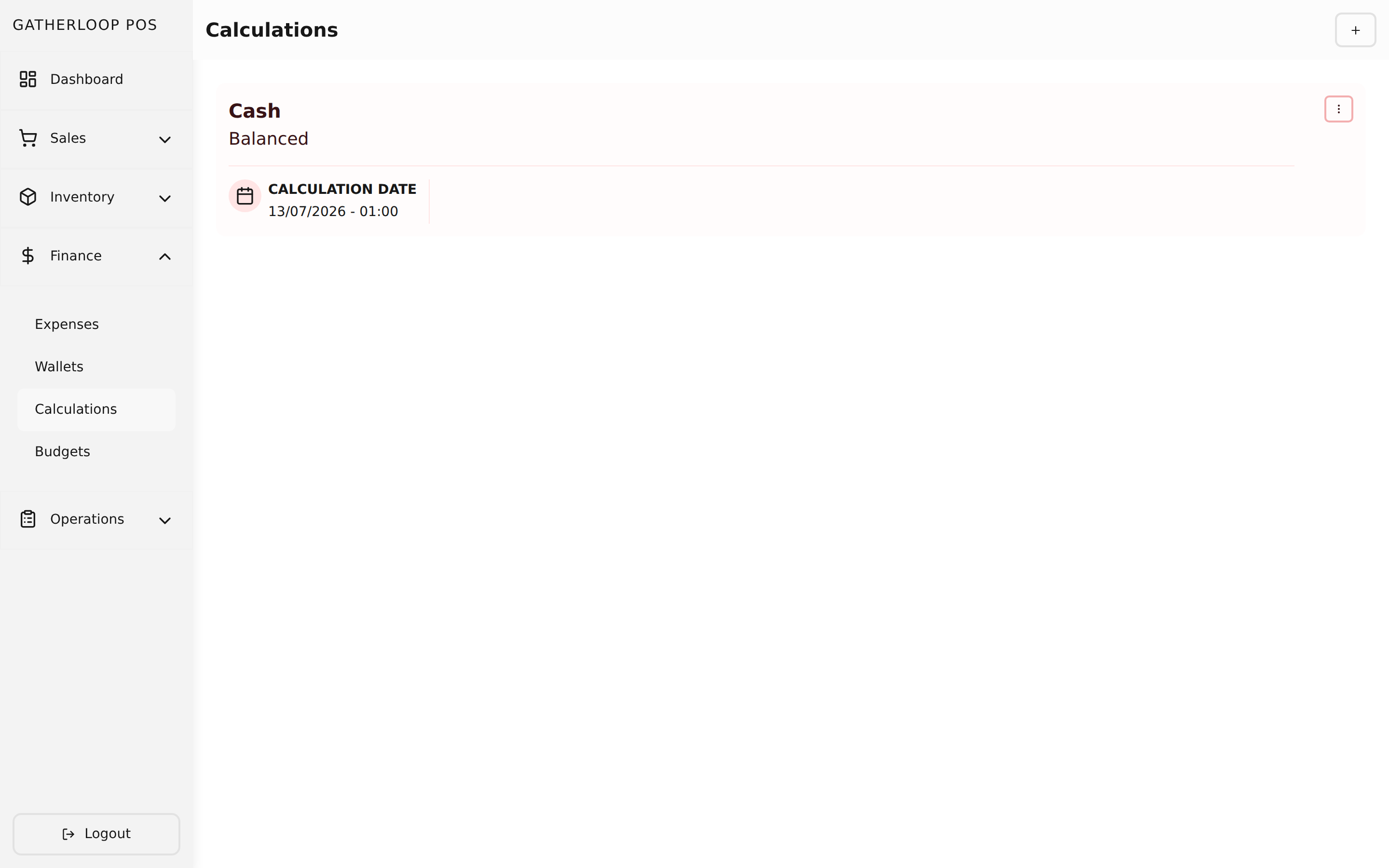
A calculation is a physical cash count for one wallet, checked against what the system thinks that wallet holds. Starting a new one pre-fills the standard set of Indonesian Rupiah denominations, from Rp 100,000 notes down to Rp 100 coins, each starting at zero; staff pick the wallet being counted and type in how many of each note and coin they physically counted. As each row is filled in, the screen totals it live — quantity × denomination, summed across every row — and shows that total right next to the wallet's recorded balance, with a status of Balanced, or Plus Rp X / Minus Rp X if the two don't match.
A calculation can be saved and revisited while a count is still in progress, but once it's marked Complete, it locks — it can no longer be edited or deleted, and becomes a permanent record of that count, timestamped alongside every other calculation ever run against that wallet.
This page is unrelated to per-item food cost or margin — that's calculated live on each product variant instead, right where its bill of materials and price are set.
Why it matters
A wallet's balance is only a number in the system until someone actually counts the drawer and confirms it matches. Doing that count by hand — and having nowhere to record it — means shortages and overages go unnoticed until they're too large to ignore, and there's no way to tell whether a mismatch happened today or built up over weeks. Recording the count as a calculation turns a spot-check into a habit: the discrepancy is visible immediately, in rupiah, the moment the last denomination is entered, and completing it seals that count as an audit-safe record that can't quietly be edited away later. For a business handling physical cash, that's the difference between noticing a shortfall the same day and never noticing it at all.
Screenshot
Key capabilities
- Pre-filled denominations — every new count starts with the standard Rupiah note and coin set, ready to fill in rather than build from scratch.
- Live variance — the counted total and the wallet's recorded balance are shown side by side, with an instant Balanced / Plus / Minus status.
- Tied to one wallet — a calculation always counts a specific wallet, so cash, bank, and e-wallet balances are each reconciled on their own.
- Server-verified totals — the backend recomputes every subtotal and the grand total itself rather than trusting what the client sent, and stamps the wallet's balance at that exact moment.
- Lockable, permanent records — completing a calculation prevents further edits or deletion, turning it into a durable audit trail.
- Full history per wallet — every past count, complete or in progress, stays listed and reviewable.
For engineers
- Web routes:
apps/pos-web/src/pages/calculations/{index,create,[calculationId]}.tsx - Screens:
libs/ui/src/presentation/screens/Calculation{List,Create,Update}Screen.tsx - Components:
libs/ui/src/presentation/components/calculations/{CalculationFormView,CalculationList,CalculationListItem,CalculationCompleteAlert,CalculationDeleteAlert}.tsx - Entity:
libs/ui/src/domain/entities/Calculation.ts - Backend:
apps/api/domain/calculation_entity.go,calculation_usecase.go,calculation_repository.go; routes inapps/api/presentation/restapi/calculation_route.go(including thecompleteaction) - Related: Wallets & Transfers for the balance being reconciled, Product Variants for the actual per-item cost/profit calculation