Stock Checks
What it does
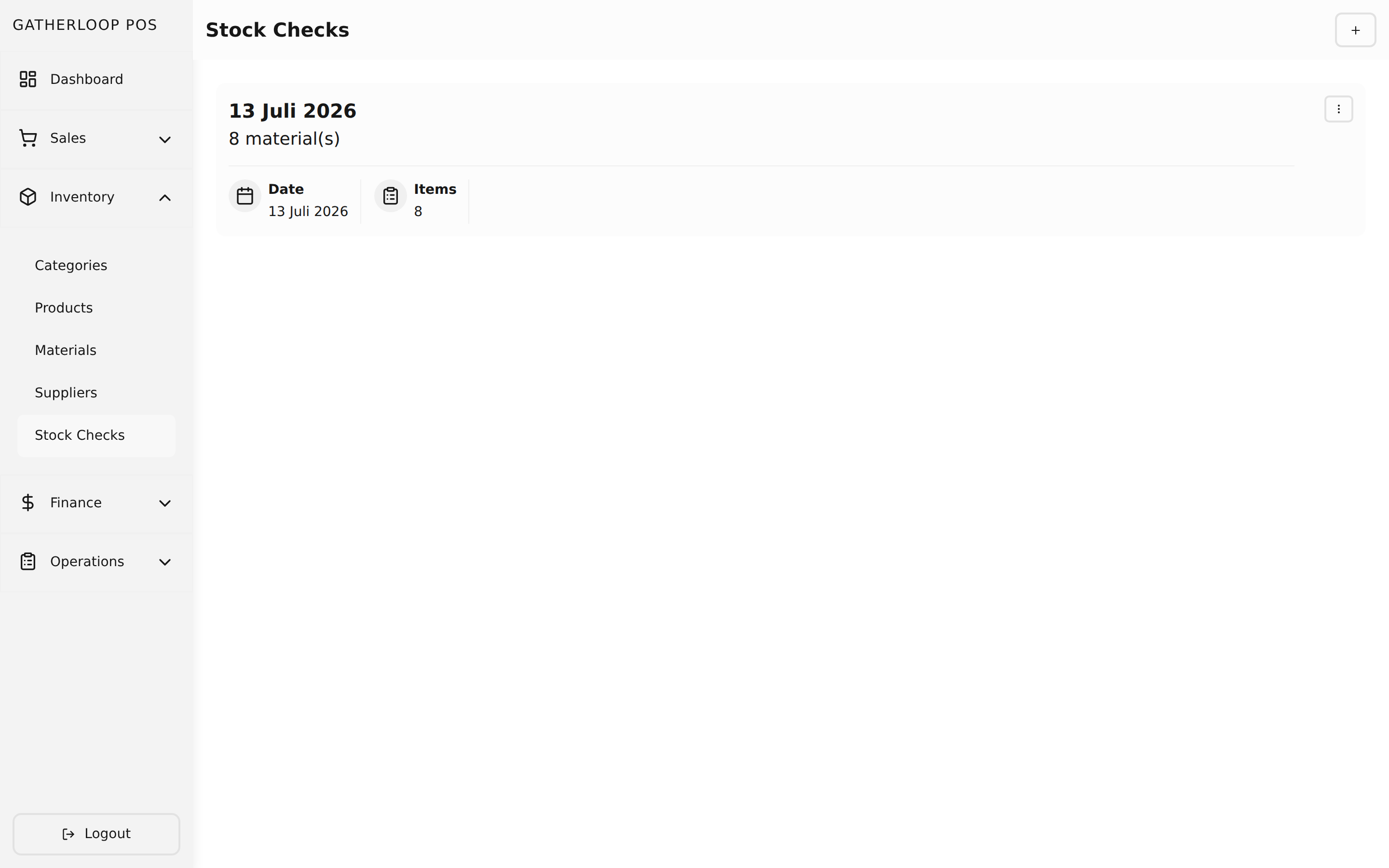
A stock check is a dated snapshot of how much of each material is actually sitting in the storeroom, right now, in whole purchase units (whole sacks, whole boxes, whole bottles — no half-used containers). Creating one seeds a row for every material the catalog has marked as required for stock checks, and staff walk the shelves filling in a count for each.
The form is built to survive a real physical walk-through: a sticky search box finds a material by name without scrolling, a "N / total materials checked" counter tracks progress, and a pending toggle filters the list down to just what's left. Every row starts genuinely blank — not zero — because zero is a real answer ("we're out") and blank means "not counted yet." A pending row is tinted amber with a small badge; nothing can be submitted until every row has a real number, and if staff try, the form clears the search, switches on the pending filter, scrolls to the first unfinished row, and turns it red so it can't be missed.
Once submitted, a stock check is a permanent record — editing it later only lets staff correct the counts, not the snapshot described below.
Why it matters
The whole point of counting inventory is to know what to buy, and that only works if the count is trustworthy. A blank-not-zero default closes the single biggest hole in any manual count: a skipped item silently reading as "zero stock," which would falsely flag it as urgently needed on the purchase list while a genuinely empty shelf goes unnoticed if the reverse mistake happens. Requiring every row to be explicitly touched — and making the last few unfinished rows impossible to lose track of — turns "I think I got everything" into "the form won't let me leave anything out."
Just as important, each stock check freezes a snapshot of every material's price, purchase unit, and stock thresholds at the moment it's created. That means a manager editing a material's price or reorder policy next week never rewrites history — last Tuesday's purchase list still shows exactly what last Tuesday's numbers said, forever. Stock checks are an audit trail, not a live view.
Screenshot
Key capabilities
- One row per stock-check-required material — seeded automatically from the material catalog; materials flagged as excluded from stock checks never appear, keeping the walk-through focused on what actually matters.
- Blank means "not counted," zero means "confirmed empty" — the two states are never confused, because the form tracks them separately instead of defaulting every row to
0. - Live progress counter — "
12 / 25materials checked" so staff always know how much is left. - Sticky search — filters rows by material name in real time without losing any values already entered in hidden rows.
- "Show only pending" toggle — narrows the list to just the unfinished rows; combines with search.
- Submit-blocking validation — a submit attempt with unfinished rows never goes through; it surfaces a banner naming the count, auto-filters to pending, and scrolls/focuses the first one.
- Frozen snapshot per item — material name, price, purchase unit, purchase-unit size, minimum stock, and normal stock are all captured at creation time and never change even if the underlying material is edited later.
- Full history — every stock check stays in the list (paginated, newest first), each viewable, editable (counts only — the snapshot doesn't refresh), or soft-deletable, with a direct link to its derived Purchase List.
For engineers
- Screens:
libs/ui/src/presentation/screens/StockCheckListScreen.tsx,StockCheckCreateScreen.tsx,StockCheckUpdateScreen.tsx - Shared form:
libs/ui/src/presentation/components/stockChecks/StockCheckFormView.tsx - Entities:
libs/ui/src/domain/entities/StockCheck.ts - Backend:
apps/api/domain/stock_check_entity.go,stock_check_usecase.go - Web routes:
apps/pos-web/src/pages/stock-checks/{index,create}.tsx,[id]/edit.tsx - Design docs:
docs/prd-inventory-management.md(core snapshot model),docs/prd-stock-check-required-fields.md(blank-vs-zero + pending UX),docs/prd-stock-check-form-ux.md(search + row layout),docs/prd-material-stock-check-flag.md(per-material opt-out) - Related: Materials for the stock-check-required flag, Purchase Lists for what's computed from a stock check